Sunday, August 3, 2014

Brave Little Toaster

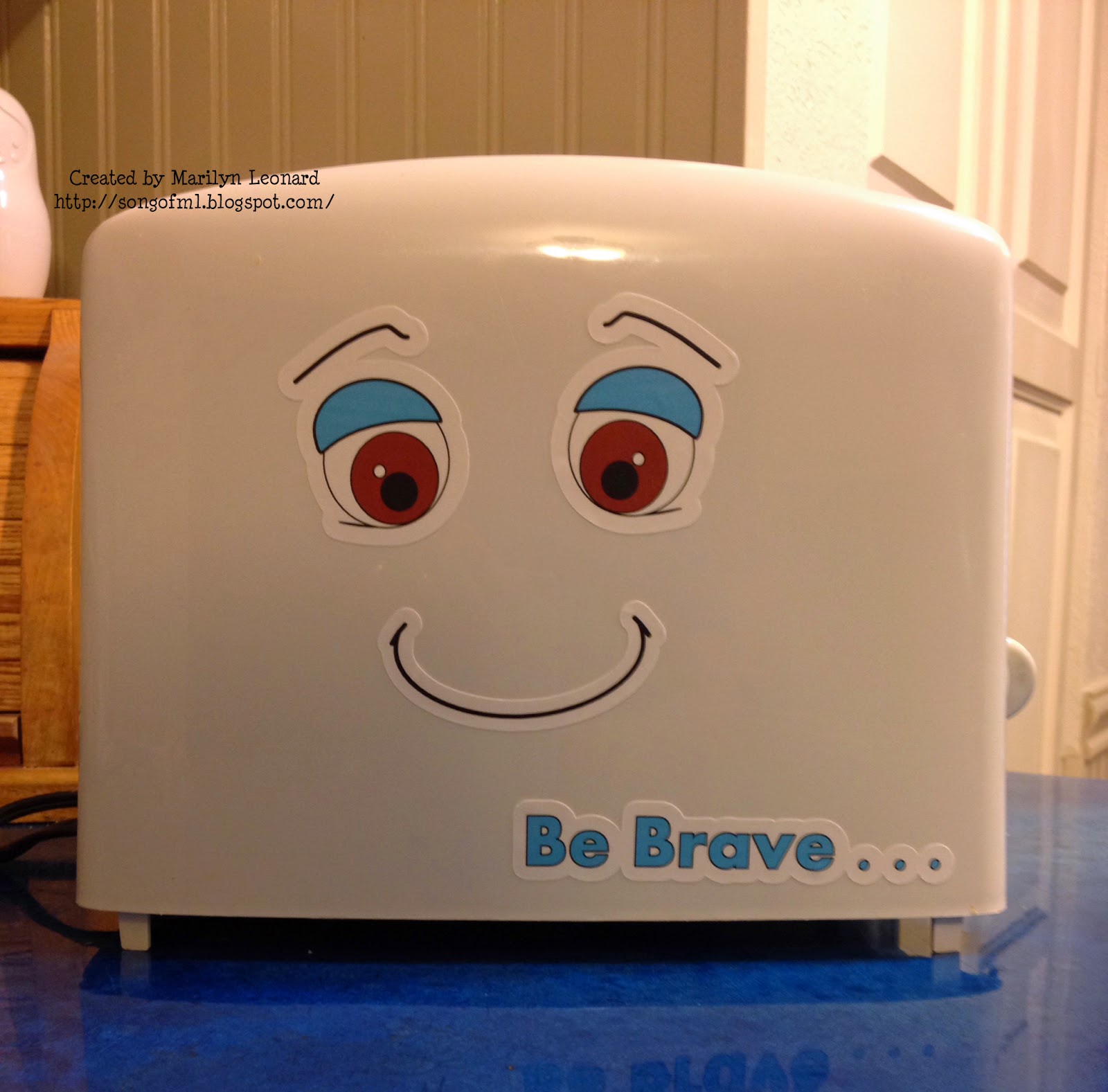
Hello, Friends!  Marilyn here with my attempt at recreating the Brave Little Toaster character on my own toaster.

Brave Little Toaster

Here's what I used:

  • Square1 
  • Toaster
  • Silhouette Software
  • Cameo Cutter


Step 1:  Your toaster.  I admit mine needed to be cleaned before this process started.

Before picture of toaster

Step 2:  Using Silhouette Software and an Pinterest image for inspiration, make some eyes, mouth and text.  Added an offset to make application easier.

Make your images Print and Cut

Step 3: Load Square 1 into your printer, print and cut out with Cameo.


Step 4:  Peel Square 1 from carrier sheet and apply to toaster.


Square 1 is repositionable.  So, you can move around until you're happy with placement.


All done!


Hope you enjoyed my project!  ~ Marilyn

Friday, August 1, 2014

Basketball Birthday

Hello, Friends!  Marilyn here.  My DIL has twin nephews who will be 6 on the 10th of this month.  She is putting together their birthday party and is using a basketball theme.  If you're from Oklahoma like us, there's only ONE basketball team - The OKC Thunder!

Birthday Shirts with OKC Thunder Logos

So, I offered to pitch in a bit my making shirts for the twins and their father.  The logo for the OKC Thunder was found from an online search.  I downloaded it and traced it within my Silhouette software and created a Print and Cut from it.

The logo was sized and printed using my Ricoh 7100 printer and Opaque "Dark" Transfer paper.  Images were the cut out with my Silhouette Cameo and heat pressed onto the shirts at 345 degrees for 20 seconds.  The Opaque Transfer Paper requires a cool peel.

Back of Birthday Shirts
The back of the shirts sport their age "6".  Their father's shirt has "DAD" on it.

Thank you for visiting today! ~ Marilyn